

When using Tyk Classic APIs, you must enable context variables for the API to be able to access them. When using Tyk OAS APIs, the context variables are always available to the context-aware middleware.
Available context variables
From Tyk 5.13.0 the current Session’s rate limit and quota data are available from the following context variables:
Middleware that can use context variables:
Context variables are exposed in three middleware plugins but are accessed differently depending on the caller as follows:- URL Rewriter - Syntax is
$tyk_context.CONTEXTVARIABLES. See Path Modification for more details. - Modify Headers - Syntax is
$tyk_context.CONTEXTVARIABLES. See Request Headers for more details. - Body Transforms - Syntax is
{{ ._tyk_context.CONTEXTVARIABLES }}. See Body Transforms for more details.
The Body Transform can fully iterate through list indices within context data so, for example, calling
{{ index ._tyk_context.path_parts 0 }} in the Go Template in a Body Transform will expose the first entry in the path_parts list.URL Rewriter and Header Transform middleware cannot iterate through list indices.Example use of context variables
Examples of the syntax to use with all the available context variables:
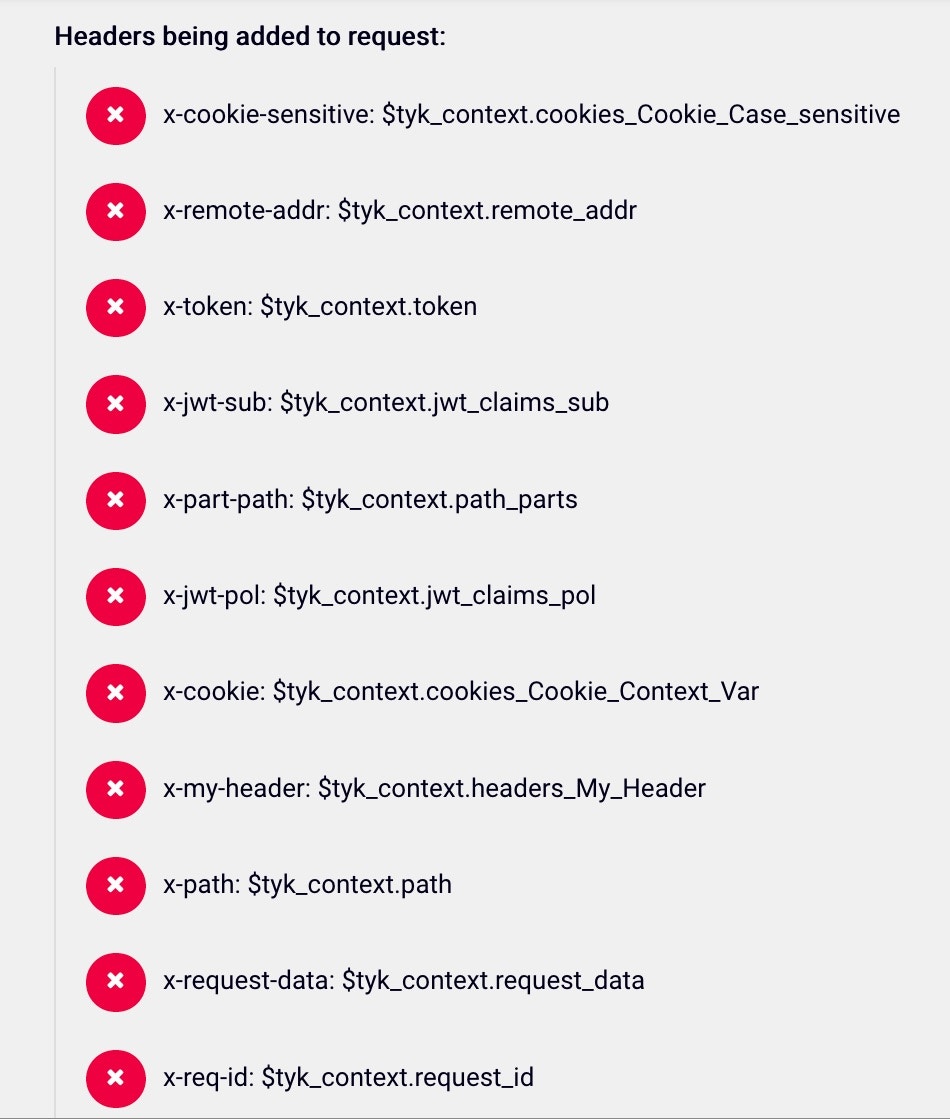
The context variable values in the response:
Enabling Context Variables for use with Tyk Classic APIs
- In the your Tyk Dashboard, select
APIsfrom theSystem Managementmenu - Open the API you want to add Context Variable to
- Click the
Advanced Optionstab and then select theEnable context variablesoption
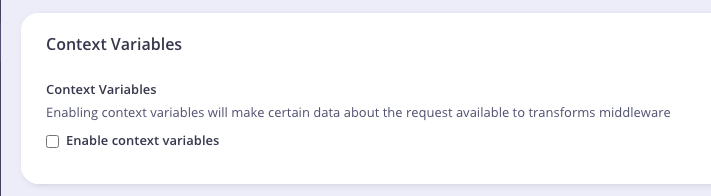
enable_context_vars to your API definition file at root level and set it to true.
If you are using Tyk Operator, set the field spec.enable_context_vars to true.
The example API Definition below enabled context variable: